
17 Apr 2026
Post by Dakota
Introduction
The blinking yellow light on your PS4 can be a daunting issue, signaling anything from minor glitches to significant malfunctions. Acting swiftly to resolve this problem is crucial, as it helps prevent long-term damage and restores your gaming experience. This guide provides you with insights on common causes, thorough troubleshooting steps, and preventive care strategies, ensuring you address and prevent the problem effectively.
What is the Blinking Yellow Light on PS4?
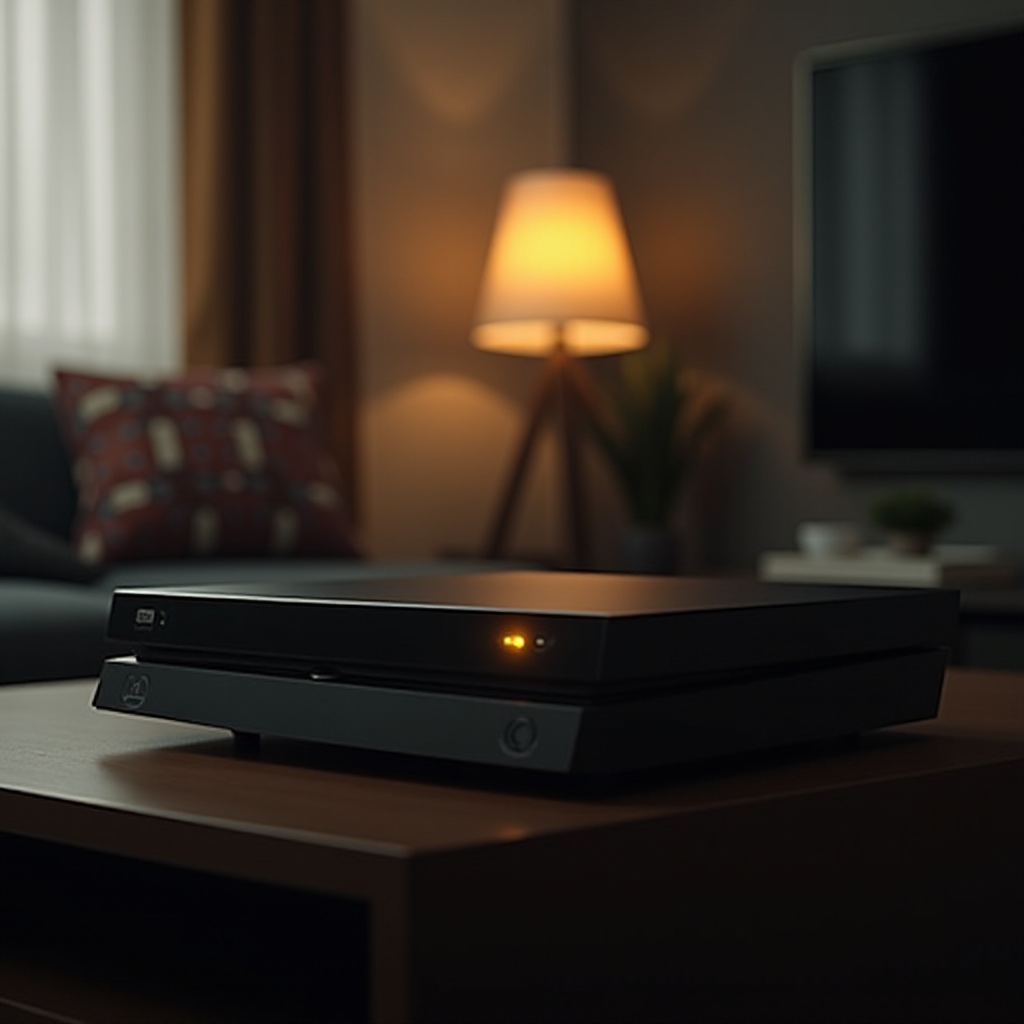
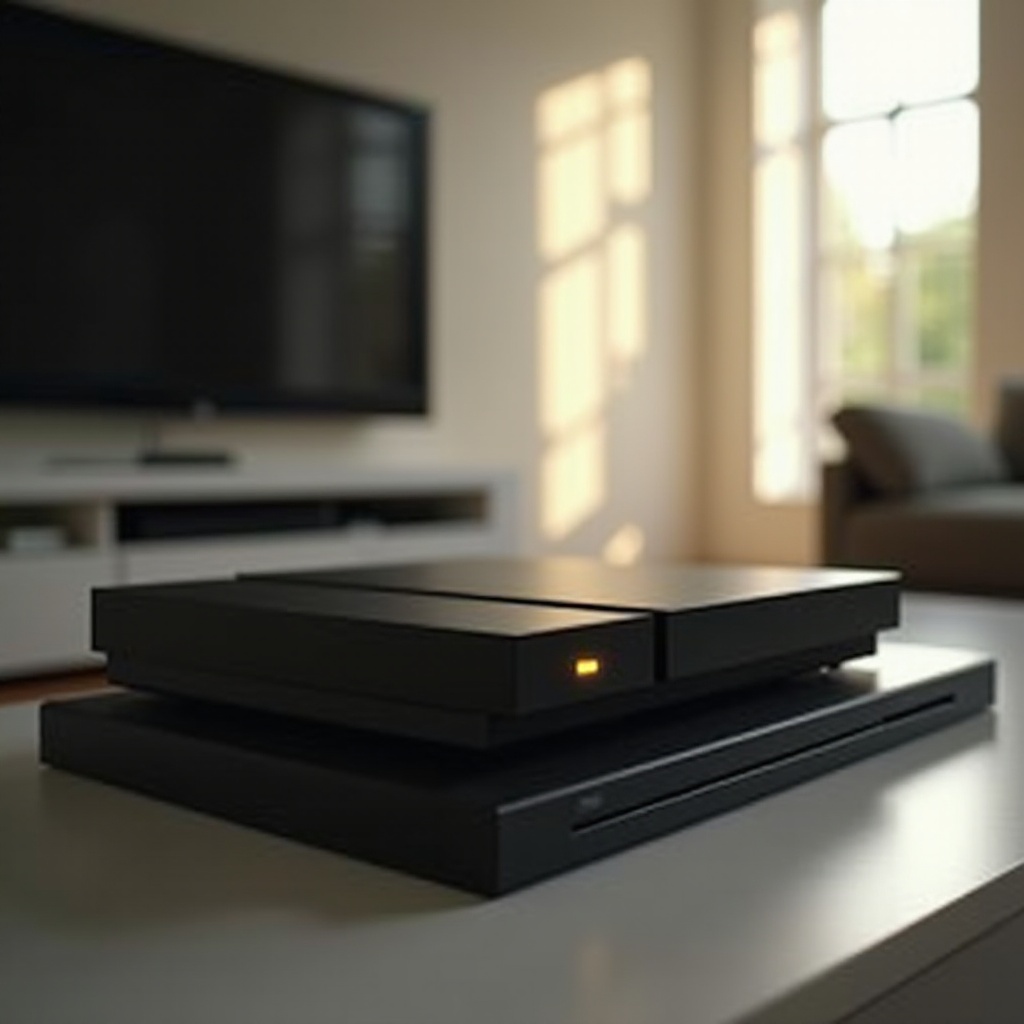
When your PS4 displays a blinking yellow light, it acts as a warning signal from the console’s internal system. This signal indicates potential errors, ranging in severity from minor software hiccups to major hardware failures. Understanding what this light means is essential in addressing the issue promptly and effectively. Eliminating the root causes early on saves you from more substantial repairs down the road. In the following section, let’s explore the possible causes of this alarming signal.
Causes of the Blinking Yellow Light
Identifying the underlying causes of a blinking yellow light helps in selecting the appropriate course of action. There are several common triggers for this warning:
- Hardware Issues: These include power supply problems or loose internal connections that can cause your PS4 to malfunction, activating the blinking yellow light as a warning.
- Software Glitches: Sometimes, corrupted system files or unsuccessful firmware updates can trigger this issue.
- Overheating Problems: Inadequate ventilation or excessive dust accumulation in the console could lead to overheating, prompting the system to display a blinking yellow light as a protective measure.
Pinpointing these common causes is a critical step that prepares you to tackle the necessary troubleshooting measures, which are detailed in the next part of this guide.
Initial Troubleshooting Steps
Before turning to professional repair services, you can perform several initial troubleshooting steps at home to resolve the blinking yellow light issue:
- Power Cycling the PS4: Completely turn off the PS4, disconnect all cables, and wait for a few minutes. Reconnect and restart your console to refresh its internal system.
- Checking Cable Connections: Ensure all cable connections are secure and undamaged. Inspect the power and HDMI cables for visible signs of wear or damage.
Often, these simple steps are sufficient to resolve minor system issues. However, if the problem persists beyond these initial efforts, more involved troubleshooting methods may be necessary.
Advanced Troubleshooting Techniques
For more stubborn issues, consider these advanced troubleshooting options:
- Safe Mode Options: Enter Safe Mode by holding the power button until you hear two beeps. In Safe Mode, options like rebuilding the database or restoring system settings can help resolve deeper issues.
- System Software Reinstallation: If software corruption is suspected, reinstalling the system software can rectify it. Back up your data beforehand, as this action will erase all the current data on the console.
These advanced techniques require careful execution but are often necessary for deeper system malfunctions. If your issue remains unresolved after these efforts, considering professional intervention may be the next best step.
Considering Professional Repairs
When initial and advanced troubleshooting fail to resolve the problem, seeking professional repairs might be the most effective solution:
- When to Seek Help: Consistent occurrences of the blinking yellow light, despite attempts to fix it yourself, is a clear sign that professional repairs are needed.
- Choosing a Repair Service: Opt for authorized repair providers with a solid reputation and verifiable experience in handling PS4 repairs.
Professional repairs ensure your console receives accurate diagnosis and effective solutions, ultimately reducing the risk of further complications.
Preventive Maintenance Tips
After resolving the blinking yellow light issue, ongoing preventive measures can help ensure it does not reappear:
- Regular Cleaning: Dust the console regularly, using compressed air to clean exterior vents and ports—essential for preventing overheating.
- Proper Ventilation and Placement: Always keep your PS4 in a well-ventilated area, away from direct sunlight or confined spaces that limit airflow.
Implementing these maintenance tips will promote the longevity of your PS4, allowing for a more uninterrupted and enjoyable gaming experience.
Conclusion
Addressing the blinking yellow light issue on your PS4 requires understanding its causes, following appropriate troubleshooting protocols, and maintaining preventive measures. This comprehensive approach ensures not only the resolution of current issues but also helps in averting future problems. Should these efforts prove insufficient, professional repairs can provide the expertise needed to bring your console back to optimal performance.
Frequently Asked Questions
What should I do if my PS4 still doesn’t work after troubleshooting?
If the issue persists, consider professional repair services to diagnose and fix complex problems accurately.
Can the blinking yellow light indicate a serious hardware failure?
Yes, it can indicate serious hardware damage, necessitating expert evaluation and repair to ensure effective functionality.
How can I prevent the blinking yellow light issue from recurring?
Regular cleaning, ensuring proper ventilation, and updating software can significantly help in preventing recurrence.

0 Comments