
12 Dec 2025
Post by Dakota
Introduction
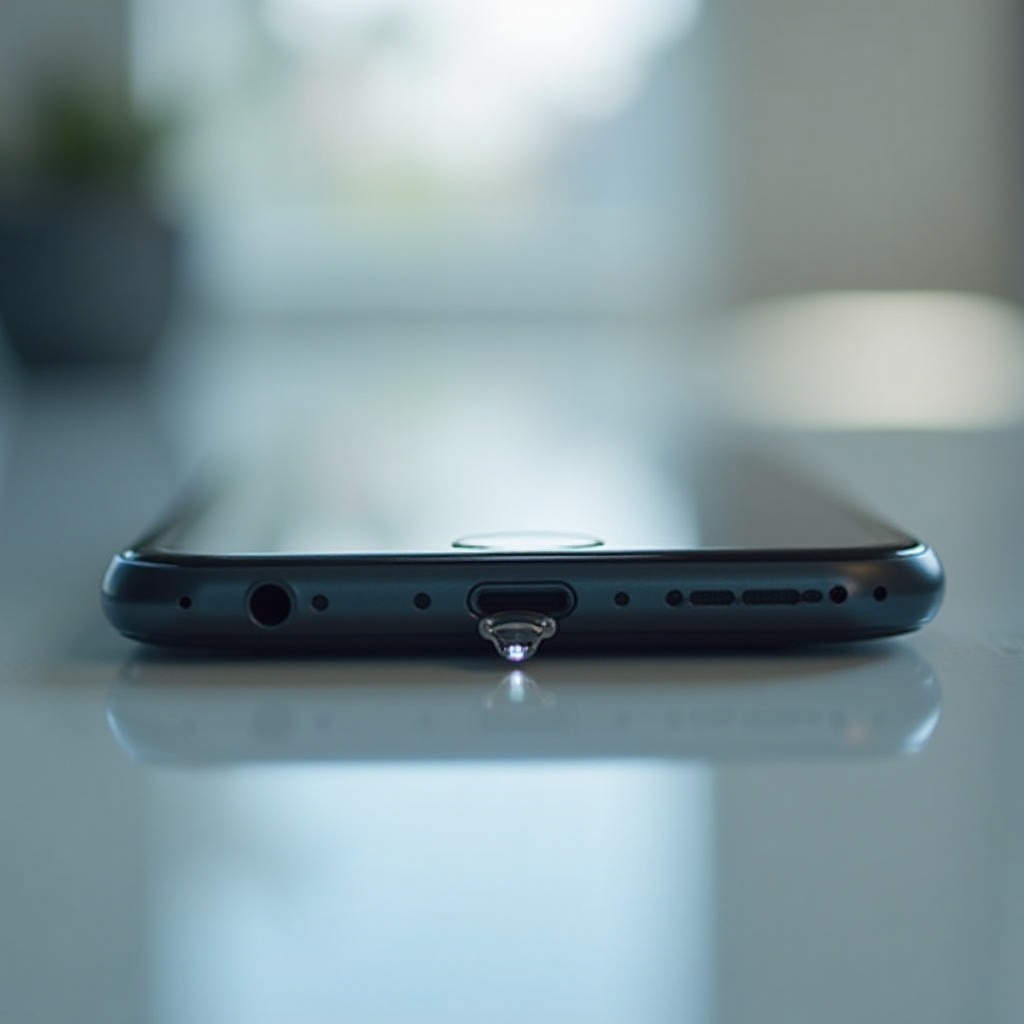
Water in your phone’s charging port can cause significant issues, from impaired charging to long-term damage. The charging port is a crucial part of your phone and is susceptible to moisture. Quickly addressing this problem is essential for keeping your phone in good working condition and avoiding costly repairs. This guide will show you proven methods to remove water from your phone’s charging port and help you maintain your device’s functionality.
Understanding the Problem
When water enters the charging port, it presents a series of potential challenges. Understanding how water gets in and what risks it brings can help you respond effectively.
How Water Gets into the Charging Port
Water can seep into your phone’s charging port through unexpected spills, using your phone in wet conditions, or exposure to high humidity. Even a brief encounter with rain can introduce moisture into this sensitive area.
Immediate Risks of Water Exposure
Water intrusion can lead to short circuits, corrosion of connectors, and charging interruptions. These issues can deteriorate the charging port’s reliability and harm the phone’s performance. Ignoring such problems can result in severe damage, affecting other internal components over time.
Immediate Steps to Take
To minimize damage, immediate action is crucial. Here are vital steps to undertake the moment water contacts your phone’s charging port.
Power Off the Device
- Turn off your phone immediately to prevent electrical mishaps. Avoid plugging it in, as this can worsen the situation and cause damage to the internal circuits.
Avoiding Common Mistakes
- Refrain from inserting metal objects into the port.
- Do not use heat sources like hairdryers, which may cause more harm than good.
- Avoid shaking or tapping the phone; let gravity work to your advantage.
Basic Drying Techniques
After taking immediate actions, utilizing basic drying techniques can help alleviate minor water issues effectively.
Using a Soft Cloth or Towel
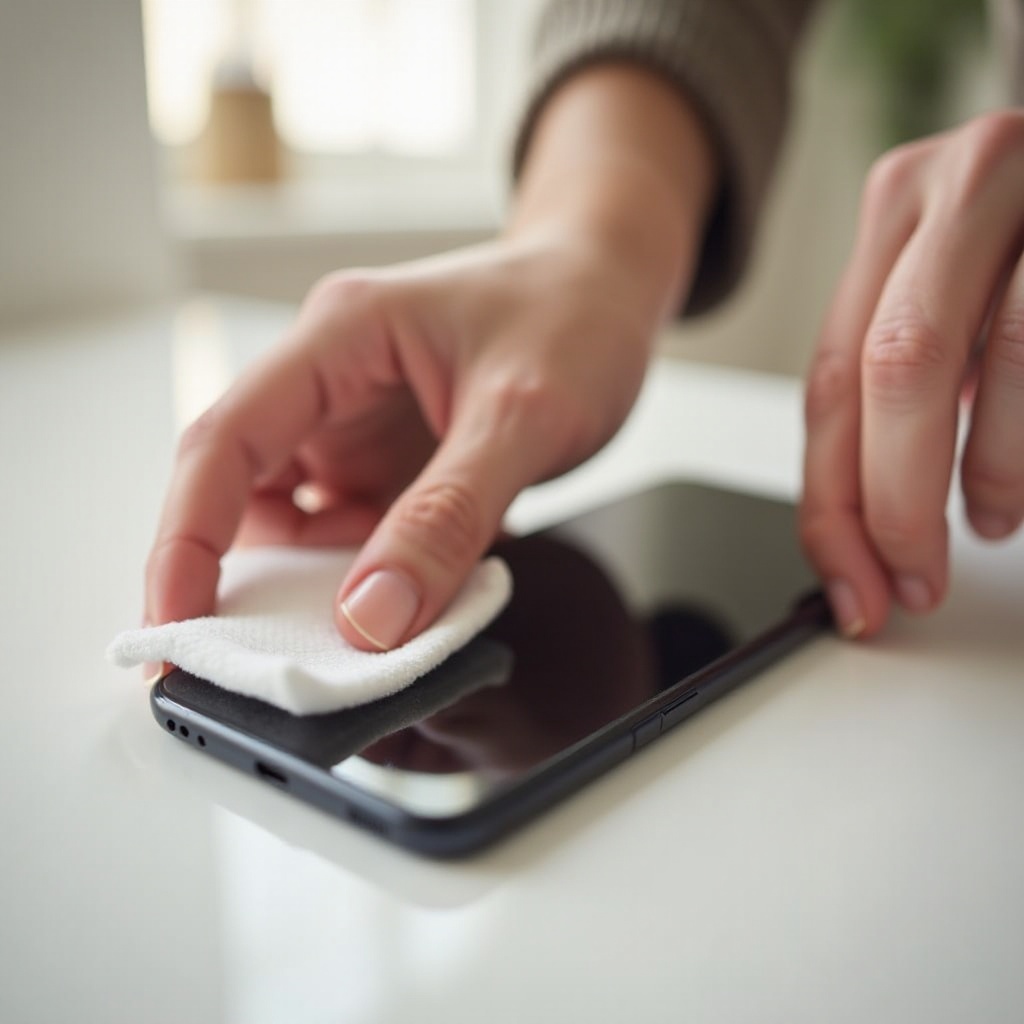
Carefully dab around the charging port with a microfiber cloth or towel to absorb surface moisture without pushing it further inside.
Air Drying: Pros and Cons
Air drying involves keeping your phone in a dry, warm environment. While non-invasive, this method requires patience, often taking 24 to 48 hours for complete drying. Place the phone upright with the port facing downward to encourage drainage.
Advanced Methods for Removing Water
If basic techniques do not fully clear the moisture, you might need to consider more advanced methods.
Utilizing Silica Gel Packets
Enclose your phone with silica gel packets in a sealed container. These packets, found in packaging, absorb moisture efficiently. Leave your phone untouched for several hours or overnight for best results.
The Isopropyl Alcohol Method
Apply a small amount of high-purity isopropyl alcohol to the charging port. This displaces water and evaporates swiftly without leaving residue. Ensure you use 90%+ purity to minimize risk.
Vacuum Suction Technique
A low-powered vacuum can assist in removing moisture from the charging port. Use a gentle setting to avoid damaging delicate components.
When to Seek Professional Help
When DIY solutions exhaust their utility, and the problems persist, consulting a professional is wise.
Recognizing Persistent Issues
If your phone’s charging port continuously malfunctions, symtoms include sporadic charging, or visible corrosion, professional evaluation is necessary.
Options for Repair Services
Visit a certified technician or service center for comprehensive assessment and potential repairs. Professionals wield specialized equipment for dealing with severe water damage efficiently.
Preventative Measures for the Future
Implement preventative strategies to mitigate future water exposure risks, safeguarding your phone against recurrent issues.
Investing in Waterproof Cases
Waterproof cases or pouches can greatly reduce the risk of water damage during unforeseen situations, like spills or rain. Ensure your case fits snugly with your phone model for optimal protection.
Regular Maintenance Tips
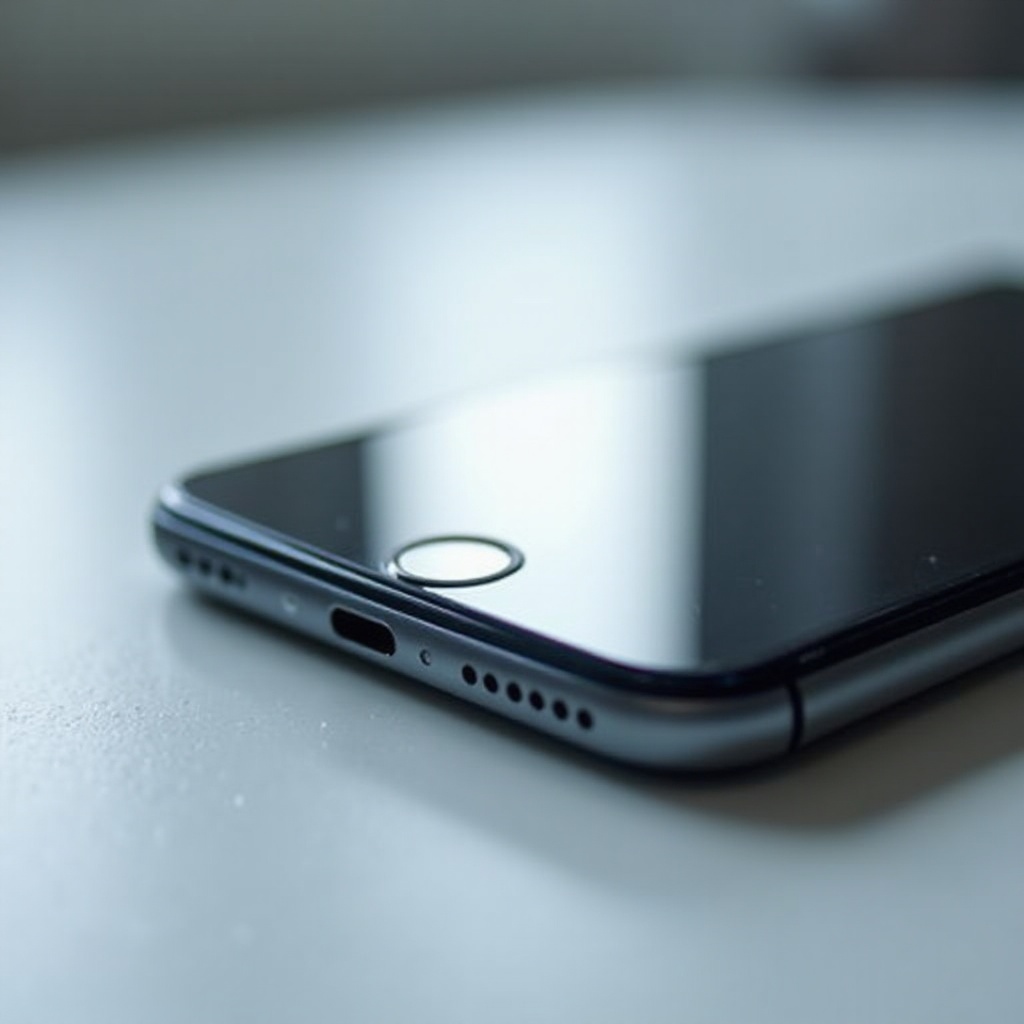
Regularly inspect the charging port for dust, lint, or moisture accumulation. Keeping the port clean and dry prolongs its life and ensures optimal performance.
Conclusion
Acting swiftly is key to protecting your phone from moisture-related damage. By combining immediate actions with effective drying techniques, you can safeguard your device against severe issues. The importance of preventative measures cannot be overstated, as they ensure your phone remains protected from future water exposure.
Frequently Asked Questions
How long should I wait before charging my phone after it gets wet?
It is best to wait at least 24 hours and ensure the charging port is completely dry before charging.
Can I use a hairdryer to remove water from my phone’s charging port?
Using a hairdryer is not recommended as heat can damage components. Opt for gentle drying methods instead.
What should I do if my phone’s charging port still doesn’t work after drying?
If problems persist, consider taking your phone to a professional technician for assessment and repair options.
0 Comments