
24 Apr 2026
Post by Dakota
Introduction
An iPhone’s screen detachment is an issue that many users may face, often causing disruption in daily tasks that rely on the device. Knowing the reasons behind this problem and understanding how to effectively manage it are key steps in maintaining your phone’s usability. This article will delve into the underlying causes, immediate actions, repair options, and preventive measures to ensure your iPhone remains in optimum condition.
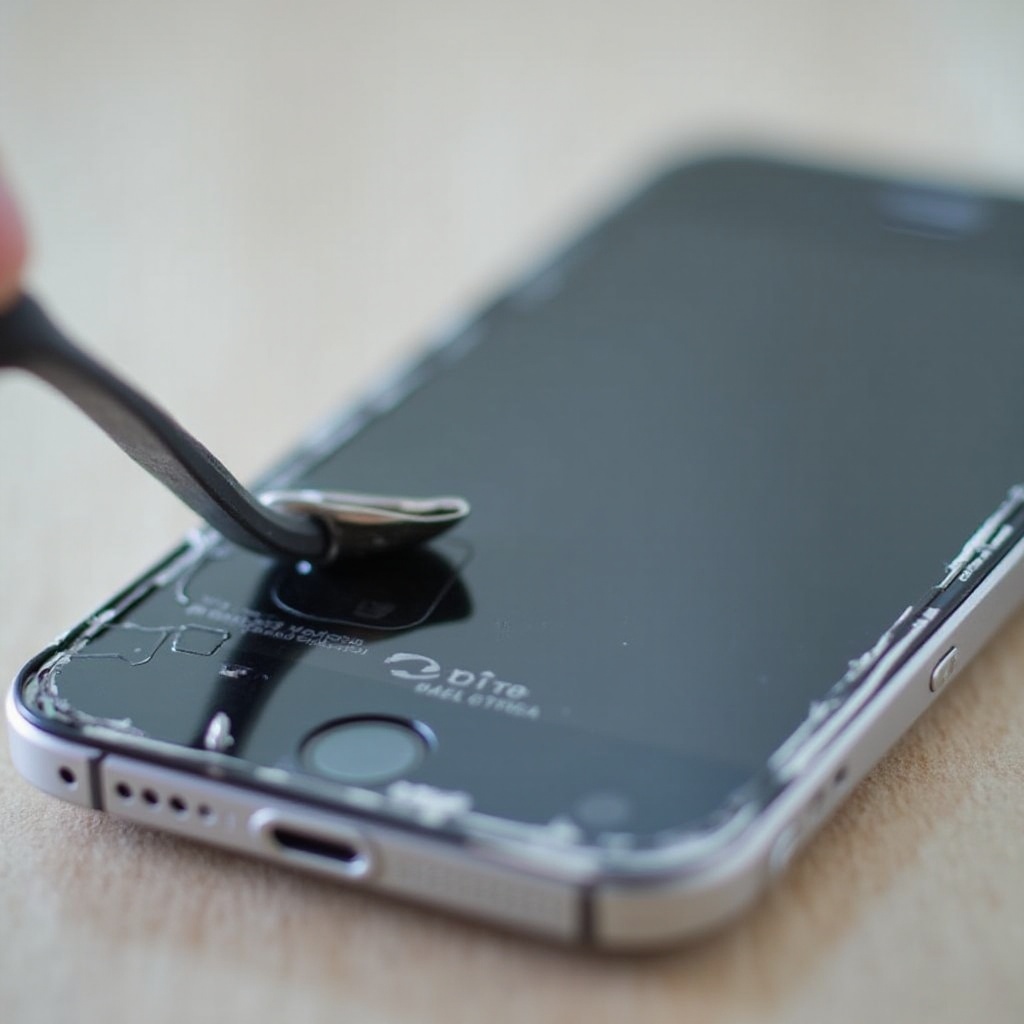
Common Causes of an iPhone Screen Coming Off
The detachment of an iPhone screen can result from a variety of factors, each having its own implications and solutions.
-
Manufacturing Defects: Even with Apple’s high standards, occasional manufacturing defects can cause screens to come loose over time. These defects might not show immediately but can appear with regular device usage.
-
Physical Damage and Wear: Everyday accidents like drops or hits can damage the screen’s adhesive bond. Over time, even minor incidents may weaken the connection between the screen and frame, leading to detachment.
-
Battery Swelling Issues: Swelling batteries are a major cause of screen detachment. As batteries age, they may expand, exerting pressure on the screen from within.
-
Poor Quality Repairs: Engagement with unauthorized repair services may lead to poor quality repairs, using inferior parts that don’t fit perfectly, resulting in screen loosening.
Identifying these causes allows iPhone users to take proactive measures to avoid such issues.
Signs Your iPhone Screen is About to Detach
Identifying early warning signs is crucial in preventing full detachment and further device damage. Key signs include:
-
Visible Gaps: Notice any gaps between the screen and phone body? This gap can be an early indicator of impending screen detachment.
-
Touch Screen Malfunctions: An unresponsive or erratic touchscreen may signify that your screen is beginning to separate from the frame.
-
Screen Bulging: Battery swelling often manifests as a visible screen bulge, indicating an internal pressure problem.
Recognizing these signs can help in taking timely actions to fix the problem before it escalates.
Immediate Actions to Take When Your Screen is Detaching
Taking immediate steps can help prevent further damage once you notice detachment symptoms.
-
Power Off the Device: As soon as signs are spotted, turn off your iPhone to prevent possible short-circuits.
-
Backup Data: Secure your data by backing it up to iCloud or a computer. This ensures no data loss during potential resets or repairs.
-
Contact Apple Support: Reach out to Apple support for advice. There might be existing solutions or warranties that could address the issue at no additional cost.
Acting quickly can stabilize your device, preserving both its hardware integrity and your personal data.
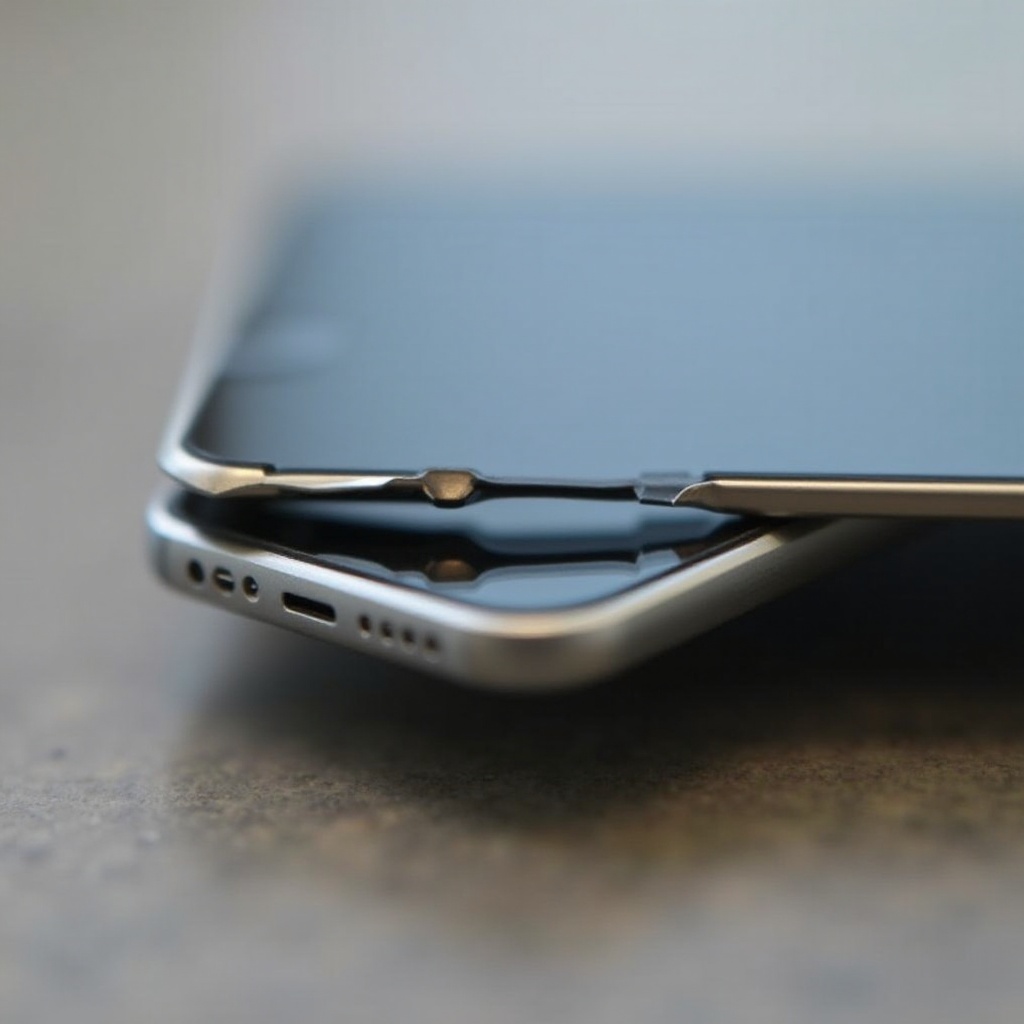
Professional Repair vs. DIY: What’s the Best Option?
Choosing between professional and DIY repair methods involves balancing costs, skills, and the risk of further damage.
-
Advantages of Professional Repair Services: Professional repair options ensure the use of original parts and provide warranty coverage. This guarantees quality assurance, reducing the likelihood of recurring issues.
-
Risks and Rewards of DIY Repairs: DIY repairs can save money but require technical skills and the right tools. Mishandling the repair could result in additional damage or void existing warranties.
Weighing both options according to your circumstances ensures making an informed decision that enhances device longevity.
DIY Repair Guide for a Detached iPhone Screen
For those opting for DIY repair, follow these detailed steps to ensure success:
- Required Tools and Materials:
- Precision screwdriver set
- Replacement screen adhesive
-
New screen, if necessary
-
Step-by-Step Repair Process:
- Carefully power down your iPhone.
- Use a precision screwdriver to unscrew the fasteners holding the screen.
- Gently lift the screen, ensuring no connected cables are damaged.
- Clean the frame of any adhesive residue and apply new adhesive.
-
Secure the screen back into place, taking care to align it correctly with the frame.
-
Post-Repair Checks and Tests:
- Verify screen functionality, checking for touch sensitivity and clear display.
- Test other phone features, such as camera and sensors, to ensure everything is operational.
By following these guidelines, a successful repair can be achieved, extending the device’s service life.
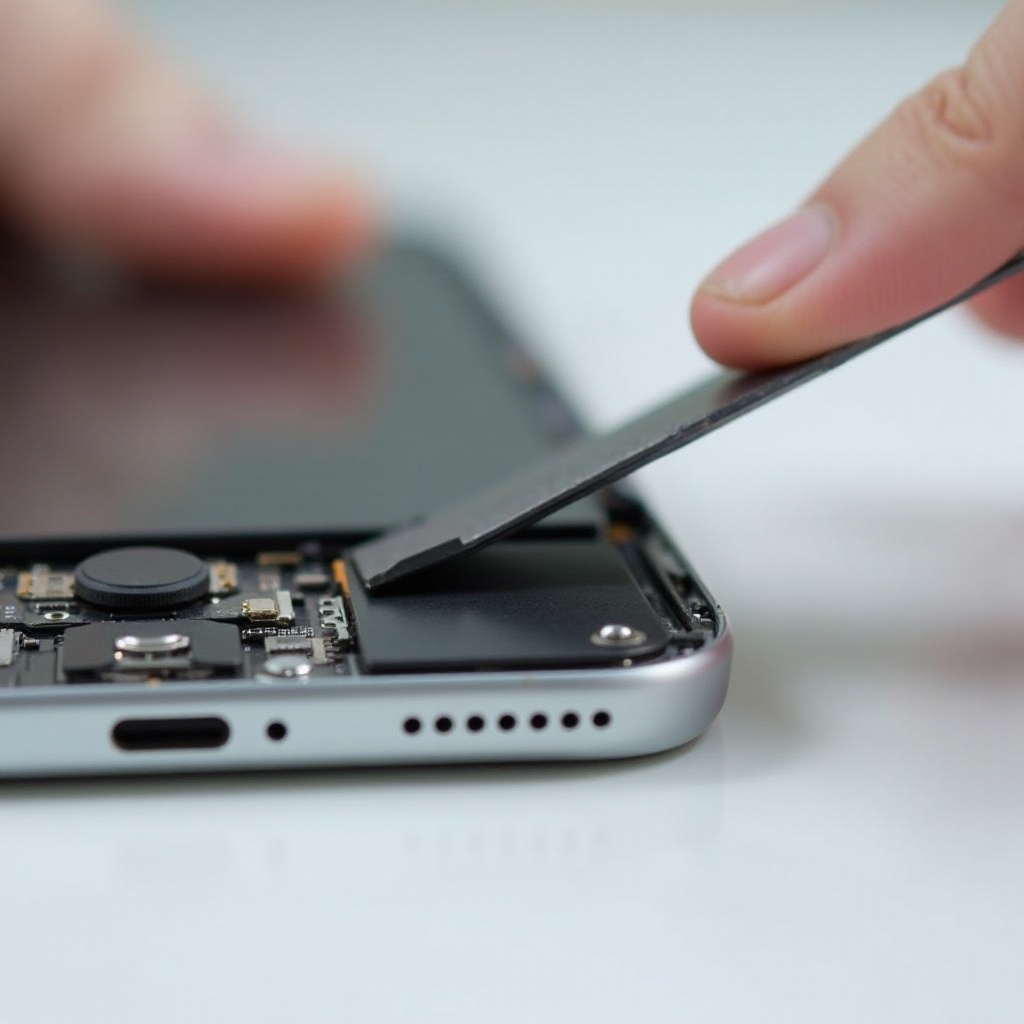
How to Prevent Future Screen Issues
Preventing screen detachment is key to maintaining your iPhone’s reliability and functionality.
-
Use Protective Cases: Investing in a robust phone case can shield your device from impacts and drops, which often lead to screen problems.
-
Regular Maintenance: Regularly inspect your phone for signs of wear, and clean it to keep adhesive areas in good condition.
-
Avoid Extreme Conditions: Ensure your iPhone isn’t exposed to extreme temperatures, which can stress and affect internal components.
These preventive steps can help maintain the integrity of your iPhone, sparing you from frequent repairs.
Conclusion
Addressing the issue of an iPhone screen coming off requires understanding its causes and recognizing early warning signs. By taking immediate actions, weighing repair options, and implementing prevention strategies, you can extend the life of your iPhone and ensure it functions optimally. Whether opting for professional repair services or a DIY approach, timely intervention is the key to maintaining your device’s longevity.
Frequently Asked Questions
What should I do if my iPhone screen starts to come off?
Turn off the device, back up your data, and contact Apple or a trusted repair service for guidance.
How much does it cost to repair an iPhone screen that’s detaching?
Repair costs vary depending on the model and the service provider. Professional repairs may range from $100 to $300.
Can I use my iPhone if the screen is starting to detach?
It’s not advisable to use your iPhone with a loose screen as it can lead to further damage or injury. Get it repaired as soon as possible.


0 Comments