
10 Jul 2026
Post by Dakota
Introduction
Switching users on the Nintendo Switch is an essential feature that enriches the gaming experience by allowing multiple individuals to enjoy personalized settings on the same console. Whether you want to ensure each player has unique save files or manage parental controls effectively, understanding these functionalities is key. This comprehensive guide will provide detailed instructions on setting up, switching between, and managing user profiles efficiently on your Nintendo Switch.
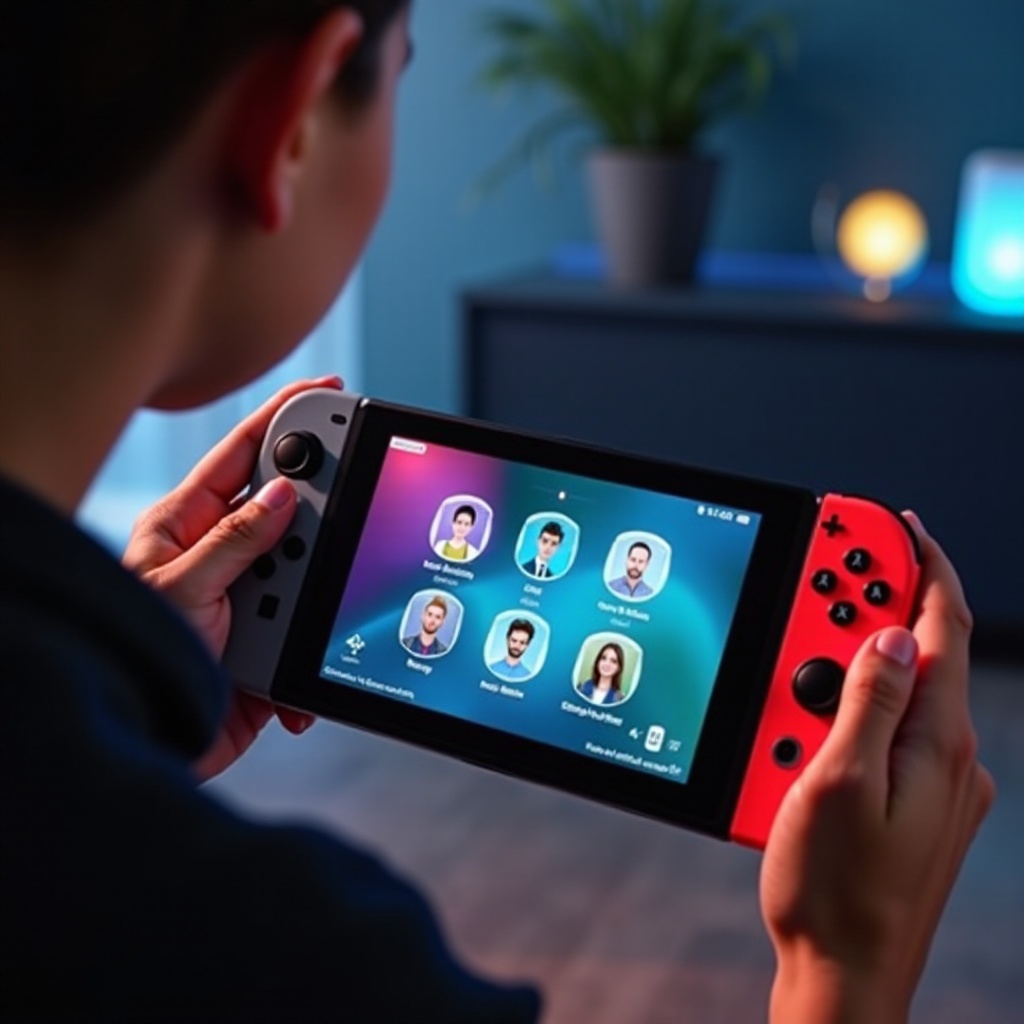
Setting Up Multiple User Profiles on Nintendo Switch
Creating unique user profiles is the cornerstone of customizing gaming experiences for different players who share the console.
Creating a New User Profile
To set up a new user profile:
1. Navigate to the System Settings from the Home Menu.
2. Scroll down and select ‘Users.
3. Click on ‘Add User’ and select ‘Create New User.
4. Choose an icon and input a nickname for the user.
These steps ensure each player has a distinct identity and associated preferences on the console.
Linking a Nintendo Account to Each User
Linking a Nintendo Account is crucial to accessing digital purchases and enjoying online features:
1. After creating a new user, choose ‘Link a Nintendo Account.
2. Follow the on-screen prompts to either create a new account or link an existing one.
3. Confirm the account details to finalize the process.
Having linked Nintendo Accounts enhances the gaming experience by unlocking a wider array of features and services. Let’s move on to switching users, which is vital for seamless gameplay changes between different profiles.
How to Switch Between Users on Nintendo Switch
Switching between users on the Nintendo Switch ensures that personalized settings and game progress are maintained for each account. This feature is especially handy for households with multiple players.
Using the Home Menu to Switch Users
Follow these straightforward steps to switch users:
1. Press the Home button on your controller.
2. Navigate to the top-left corner where the current user avatar is displayed.
3. Select the user icon and pick ‘Change User.
4. Choose the profile you want to switch to, and the console will apply that user’s settings and save data.
Seamless user switching allows players to quickly access their personalized environments without disrupting others. Efficient user management doesn’t stop at switching—each user can customize their experience further.
Quick User Switching Tips and Tricks
- Position frequently used profiles at the top of the user list for quicker access.
- Consider creating simplified navigation paths for young gamers who may find navigating menus challenging.
With the ability to switch users effortlessly, players can now focus on personalizing their gameplay experiences.
Customizing Each Users Experience
Individual user profiles permit players to match settings to their preferences, thus enhancing the overall experience on the Nintendo Switch.
Personalized Themes and Layouts
Nintendo Switch provides theme options that allow users to personalize their visual experience:
– Go to ‘System Settings.
– Scroll down to ‘Themes’ and select from ‘Basic White’ or ‘Basic Black,’ or download additional themes from the store.
Managing Game Saves and Settings
Each user can maintain separate save data files:
– Ensure cloud backup is enabled through Nintendo Online subscriptions for safety purposes.
– Manage game saves manually via ‘Data Management’ in System Settings.
Customizing profiles ensures that each player’s interface is optimized and unique, providing a tailored gaming experience. After individual customizations, managing user settings becomes crucial to safeguard these environments, especially when young ones are involved.
Managing User Settings and Preferences
Managing user settings is crucial, particularly in family settings where children may be playing.
Parental Controls for User Accounts
Establish secure environments by using parental controls to limit access to unsuitable content:
– Use the Parental Controls app or configure settings directly via ‘System Settings.
– Customize daily playtime, restrict game ratings, and manage online communications.
Subscription and Online Features for Each User
Each user should maximize the potential of Nintendo Online services:
– Link multiplayer subscriptions individually.
– Set up family accounts for shared benefits without compromising individual user integrity.
Effectively managing these settings creates a safe and enjoyable gaming environment for all users, especially for younger audiences. However, technical obstacles might occur, and understanding how to troubleshoot those ensures uninterrupted enjoyment.
Troubleshooting Common User Switch Issues
Issues may arise when switching users. Identifying and resolving these quickly is essential for a smooth gaming experience.
Resolving Login Errors
- Verify that the user’s Nintendo Account credentials are accurate.
- If login issues persist, proceed to reset the account password as needed.
Handling Account and Profile Problems
- Ensure the console software is updated to address compatibility issues.
- Re-link Nintendo Accounts if consistent errors continue.
By effectively addressing these common issues, players can enjoy uninterrupted gaming. Let’s conclude by highlighting the essential takeaways from this guide.
Conclusion
Switching users on the Nintendo Switch significantly enhances the gaming experience, providing flexibility and personalization for every player. From setting up profiles to customizing preferences and resolving potential issues, this guide equips you to maximize enjoyment for everyone sharing the console. Embrace the diversity Nintendo Switch offers and create a tailored gaming environment for each user.
Frequently Asked Questions
How do I switch users on Nintendo Switch during gameplay?
Save your game, return to the Home Menu, and select the current user avatar to change users without losing progress.
Can I have the same game save data on multiple accounts?
Game save data is tied to individual user profiles. For shared data, consider using cloud saves accessible to all linked accounts.
What should I do if I forget my user account password on the Switch?
Use the Nintendo Account website or console settings to reset your password, ensuring you have access to linked recovery information.

0 Comments