
2 Jan 2026
Post by Dakota
Introduction
If you’re stuck with a Hisense Roku TV that won’t light up except for a blinking red light, you’re not alone. This issue can disrupt your entertainment flow and presents various potential causes. Fortunately, with a systematic troubleshooting method, you can likely find a resolution before deciding to call for repairs.
Understanding the Blinking Red Light Issue
The blinking red light on your Hisense Roku TV serves as an alert for underlying issues that could range from minor glitches to more serious malfunctions. Most commonly, it’s related to power supply issues or internal software troubles. Grasping the significance of this indicator can aid in targeting your troubleshooting efforts effectively and restore your TV’s functionality.
Initial Troubleshooting Steps
Initiate your repair process with some straightforward checks, as these can often resolve the problem quickly:
-
Check Power Connections: Verify that the power cable is firmly attached to both the TV and the wall outlet. A loose connection can easily cause your TV not to power on.
-
Inspect Remote Control Batteries: The remote might not be sending the correct signals due to weak batteries. Insert fresh batteries and attempt to turn the TV on.
-
Ensure TV is Not in Standby Mode: Occasionally, TVs enter standby mode unintentionally. Press the power button on the TV itself or use the remote control to wake it up from this state.
These initial actions often solve the problem, but if not, more in-depth methods are needed.
Advanced Troubleshooting Techniques
Sometimes, simple solutions don’t suffice. In such cases, employ these advanced techniques:
-
Performing a Soft Reset: Disconnect the TV from the outlet, wait about 60 seconds, then plug it back in. This can clear transient errors affecting the TV’s operation.
-
Conducting a Hard Reset: For persistent issues, a hard reset may be necessary. Locate the reset button on the TV’s back, pushing it with a small object like a pin for roughly 20 seconds.
-
Updating Firmware or Software: Outdated firmware can cause a host of problems. Navigate to the settings menu on your TV to search for and install any software updates to ensure your TV’s system is current.
Once these steps are explored, attention should then turn to potential hardware-related concerns.
Addressing Hardware Concerns
Hardware problems can also cause significant issues if left unchecked:
-
Inspecting External Cables: Check all physical connections like HDMI or auxiliary cables for any signs of wear or damage.
-
Checking for Overheating: Your TV might be overheating, causing it to malfunction. Make sure it’s placed in a well-ventilated space without any obstruction around cooling vents.
-
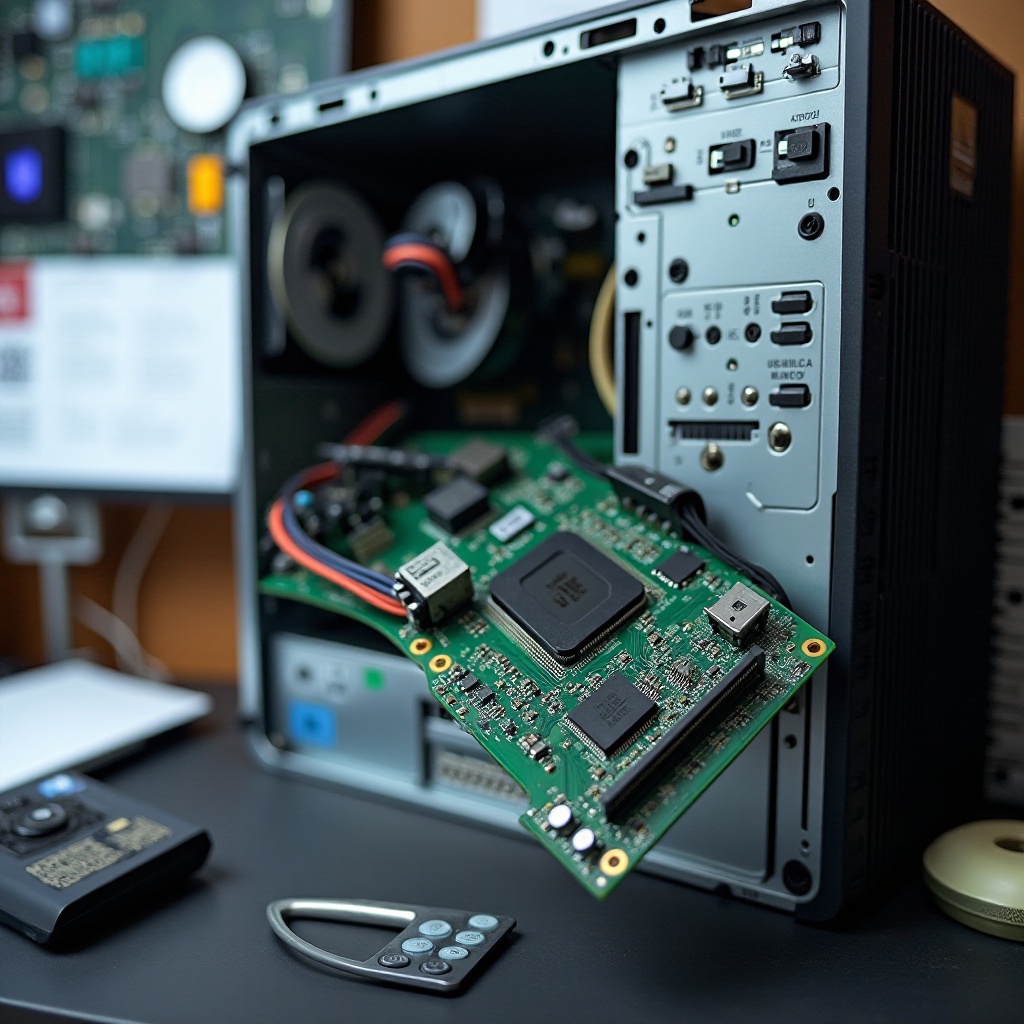
Assessing Internal Connections: If you’re comfortable with technology, consider carefully removing the TV’s back panel to check for any internal loose connections.
After you’ve investigated all visible connections, your ultimate step involves contemplating professional help if necessary.
When to Seek Professional Help
There are instances when your efforts might not yield the expected results. If your TV still doesn’t function correctly after all the troubleshooting steps, or if you identify a significant hardware issue, it’s best to reach out to a professional. Authorized service centers have the experience and tools necessary to deal with intricate television problems.
Conclusion
Dealing with a Hisense Roku TV experiencing a blinking red light requires patience and a clear plan. By methodically working through these troubleshooting steps, you gain a solid chance of fixing the issue without additional cost or stress. However, always consider professional assistance if the trouble persists, keeping in mind that mishandling advanced electronics can incur more harm than good.
Frequently Asked Questions
Why does my Hisense Roku TV have a blinking red light?
A blinking red light often indicates power issues, software glitches, or a hardware malfunction. Following the outlined troubleshooting steps helps identify and resolve the exact problem.
Can a factory reset resolve the issue of my TV not turning on?
A factory reset can clear software-related problems preventing the TV from powering on, but it also erases all customized settings. It should be considered a last resort following basic troubleshooting.
How do I find the latest software updates for my Hisense Roku TV?
Access the settings menu on your Hisense Roku TV, then navigate to ‘System’ and select ‘System Update’ to check for and install any available software updates.

0 Comments