
5 Jun 2026
Post by Dakota
Introduction
Setting the time correctly on your Nintendo Switch is pivotal for maximizing your gaming experience. Whether it’s aligning with specific in-game events or correcting a clock error, knowing how to adjust the time setting is a useful skill for any Nintendo Switch owner. Through this guide, you’ll learn how to change your system’s time settings, troubleshoot potential issues, and ensure your gaming adventures aren’t disrupted.

Why Correct Time Settings Matter on Your Nintendo Switch
Accurate time settings are crucial on your Nintendo Switch as they influence various game dynamics like events, bonuses, and seasonal activities. Many games rely on system time to trigger specific in-game events or offer exclusive content. Misaligned time settings can result in missing vital experiences or bonuses. Particularly in games like ‘Animal Crossing’ and ‘Pokémon,’ the right time setting ensures seamless gameplay and access to special content.
Having understood the significance of accurate time settings, let’s prepare for the process of adjusting these settings on your console.
Preparing to Adjust Time Settings on Nintendo Switch
Before you adjust the time on your Nintendo Switch, follow these preliminary steps to ensure a smooth process:
-
Check Current Settings: Understand your current time and date settings. Navigate to system settings to identify any discrepancies.
-
Update System Software: Your Nintendo Switch should run the latest firmware. Regular updates often resolve underlying issues that impact time settings.
-
Internet Connection: A stable internet connection is crucial when opting for automatic time synchronization. Even though it isn’t necessary for manual adjustments, it smoothens the processes.
With these preparations in place, you are ready to adjust your Switch’s time and date settings accurately.
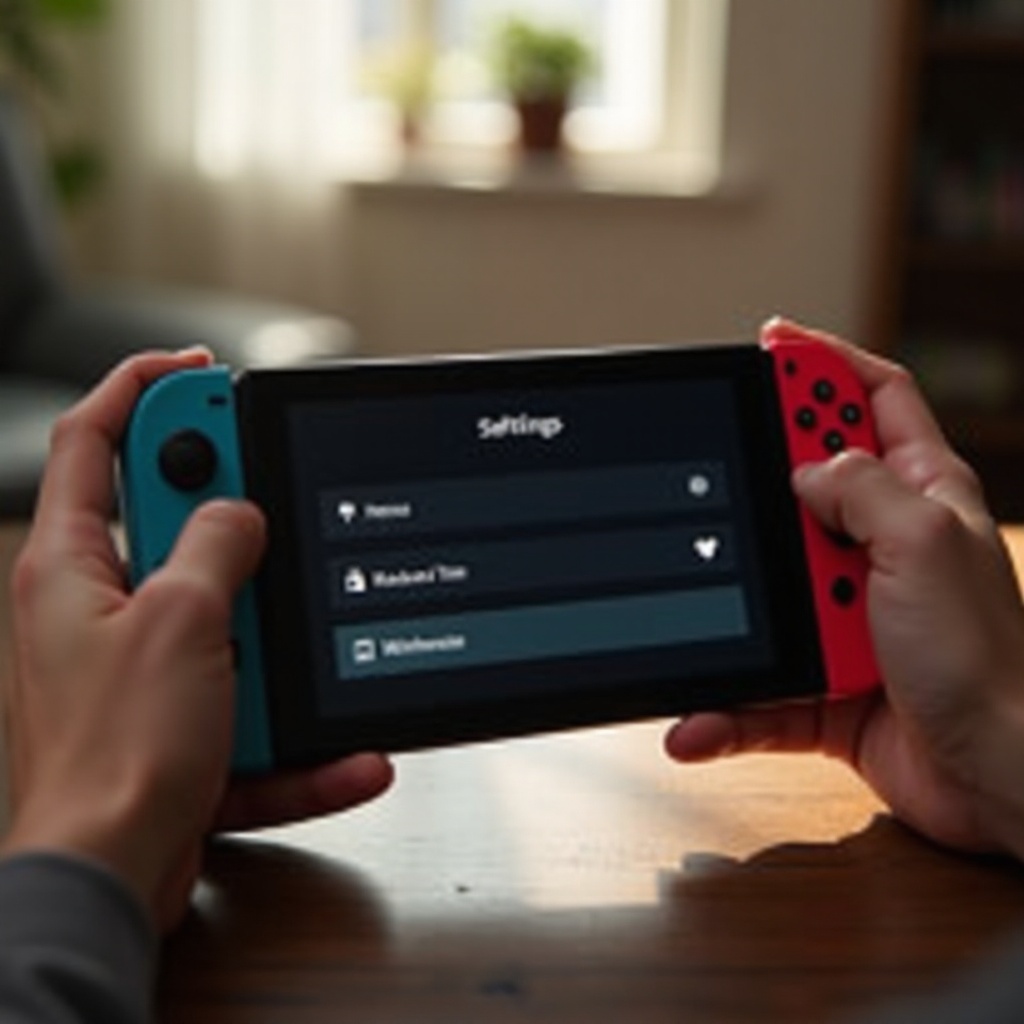
Step-by-Step Guide to Changing the Time on Your Nintendo Switch
Here are the steps to change the time on your Nintendo Switch effectively:
Navigating to System Settings
- Power on your console and open the Home menu.
- Locate the ‘System Settings’ icon, represented by a gear, and select it by pressing ‘A’.
Selecting and Adjusting Date and Time Options
- Within the System Settings menu, scroll down and select ‘System.’
- Click on ‘Date and Time.’
- Choose between manual or automatic settings with internet synchronization. For manual adjustments, toggle off the ‘Synchronize Clock via Internet’ option.
- Manually input the correct date and time.
Saving Changes and Verifying Accuracy
- After making adjustments, exit back to the Home screen.
- Check the home screen to confirm that the new time settings reflect accurately.
Troubleshooting Time Setting Issues
Even after taking these steps, you might run into some issues. Here’s how to troubleshoot common problems:
Common Problems and Solutions
- If your new settings don’t apply, double-check your manual entries and ensure your changes were saved.
Dealing with Daylight Saving Time
- During transitions between standard time and daylight-saving time, manual adjustments might be necessary if automatic updates are turned off.
Synchronization and Internet Connectivity Issues
- If you face synchronization errors, evaluate your internet connectivity and try refreshing the connection.
With troubleshooting tips in hand, you can now maintain effortless stability in your system’s time settings.
Additional Tips for Managing Time Settings
Regular software updates are essential for maintaining your Switch’s stability. Go to System Settings > System > System Update to check for updates periodically. Consistently monitor your time settings, especially when you notice deviations that may affect gameplay.
Conclusion
Armed with the directions in this guide, you’ve mastered the process of changing time settings on your Nintendo Switch. Accurate time adjustment enhances your gaming experience by preventing missed opportunities and maintaining an in-sync game environment. Embrace your best gaming adventures by ensuring your console is always set to the correct time.
Frequently Asked Questions
Can changing the time affect my game save data?
Changing time settings shouldn’t impact save data, but it might disrupt time-sensitive game activities.
How does time change impact parental controls?
Adjusting time settings can affect parental control configurations, altering playtime limits.
What should I do if my time settings continue to reset?
If your settings reset, check for system updates or perform a soft reset to restore normal operations.

0 Comments