
14 Aug 2026
Post by Dakota
Introduction
Bluetooth speakers have transformed audio experiences for MacBook users, delivering superior sound quality and eliminating the hassles of tangled cables. Whether for professional meetings or enjoying your favorite playlist, a well-chosen Bluetooth speaker can significantly enhance your MacBook’s audio output. However, with many products available, selecting the ideal speaker can be daunting. This guide aims to simplify this process, offering insights to help you find the perfect speaker tailored to your needs.
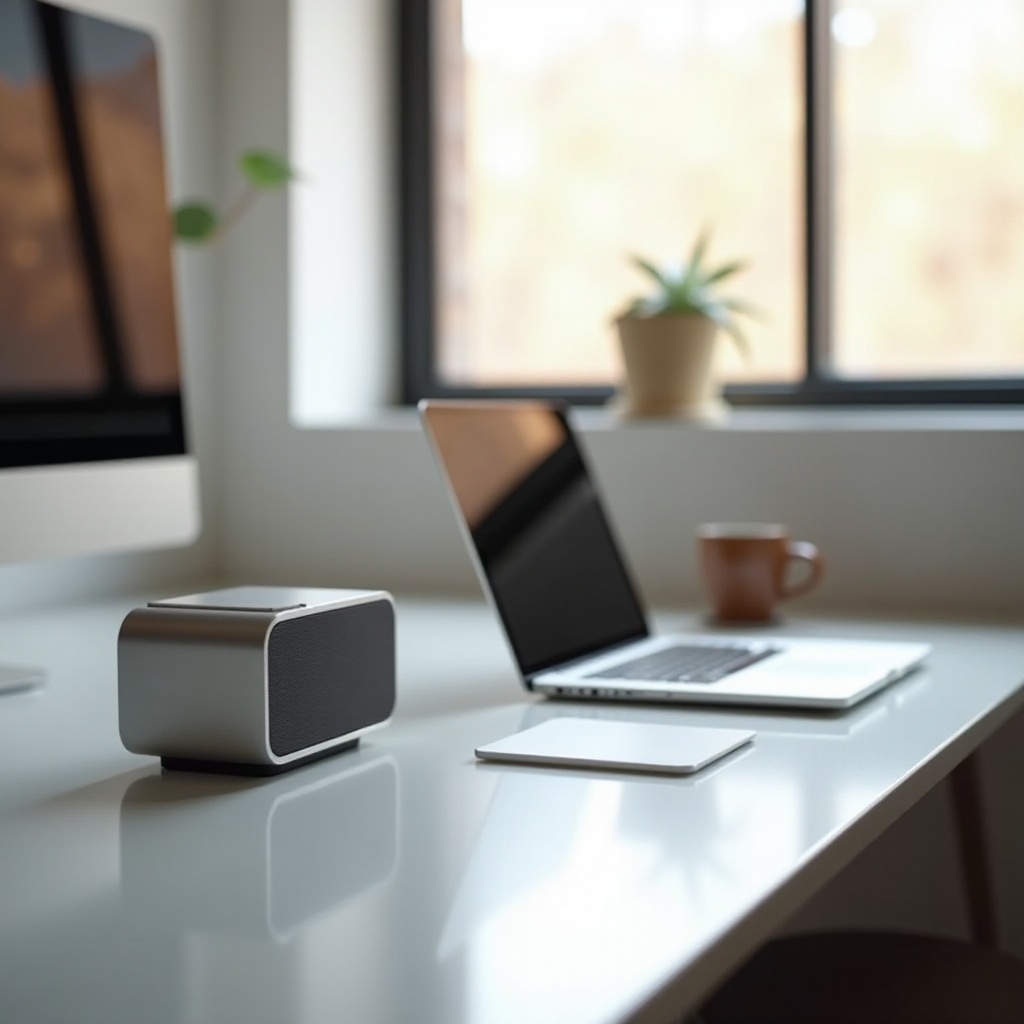
Why Use a Bluetooth Speaker with Your MacBook?
MacBooks are known for their sleek designs and high performance but often lack powerful built-in speakers. Bluetooth speakers can bridge this gap, offering enhanced sound quality and additional features that elevate your overall experience:
- Improved Sound Quality: Bluetooth speakers deliver deep, rich sound, far superior to standard laptop speakers.
- Wireless Freedom: Ditch the cords and enjoy a tidy workspace or freedom while moving about with your speaker.
- Additional Functionalities: Access features like voice commands and smart home integration available in many Bluetooth models.
Understanding the benefits clarifies why investing in a Bluetooth speaker can be so rewarding for MacBook users, setting the stage for an informed selection.
Key Features to Look for in a Bluetooth Speaker
Selecting the right speaker involves evaluating several essential features. Here’s what to look for:
- Sound Quality and Performance: Prioritize speakers with excellent bass, clarity, and volume. Consider models with features like 360-degree sound or built-in equalizers for optimal performance.
- Portability and Design: Depending on your lifestyle, choose a lightweight speaker for travel or a stylish, more robust model for home use.
- Compatibility and Connectivity Options: Ensure the speaker supports the latest Bluetooth version compatible with your MacBook. Codec support like aptX or AAC can enhance streaming quality, while features like NFC pairing facilitate easy connectivity.
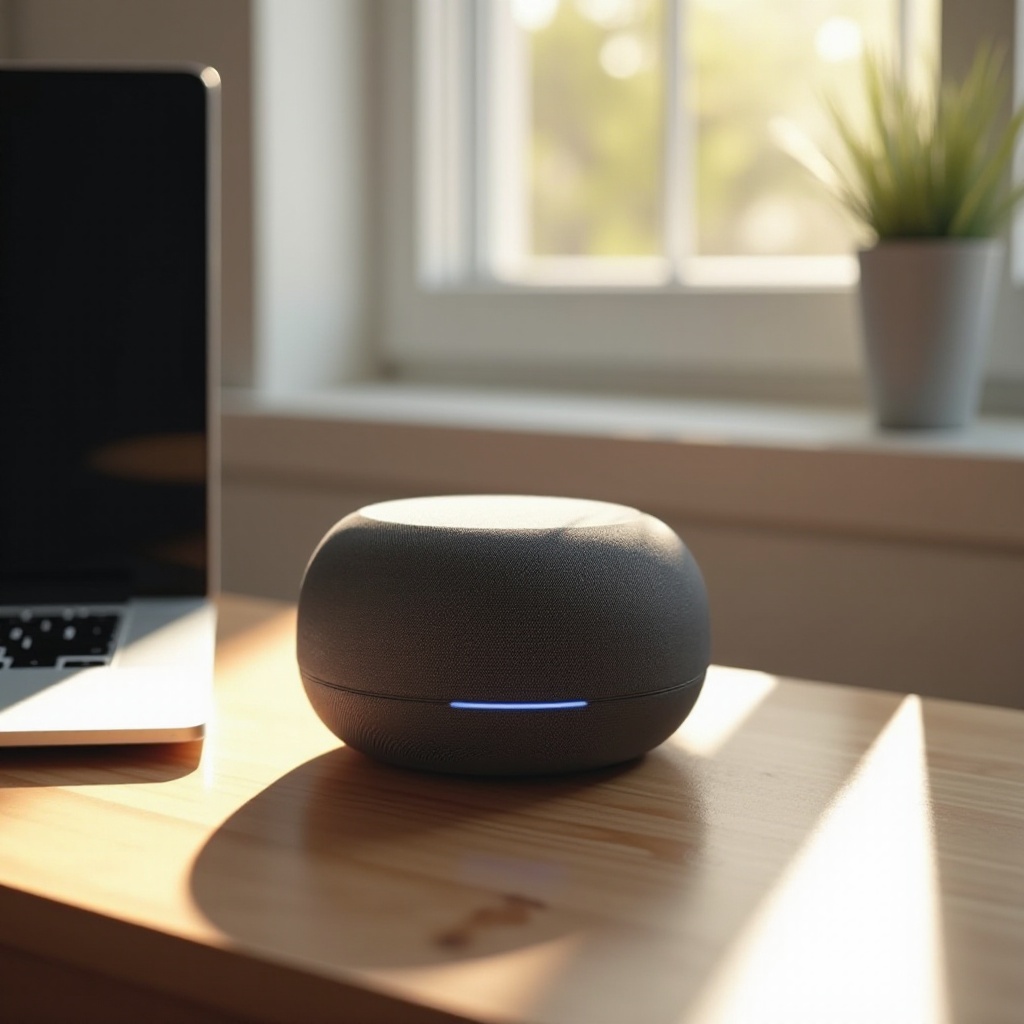
Top Bluetooth Speakers for MacBook in 2024
Here’s a curated list of top Bluetooth speakers for MacBook users in 2024:
- High-End Models:
- Bose SoundLink Revolve+ II: Offers exceptional 360-degree sound with robust bass, ideal for a room-filling audio experience.
-
Sonos Roam: A smart, portable speaker with excellent sound quality, robust design, and seamless integration with smart ecosystems.
-
Budget-Friendly Options:
- Anker Soundcore 2: Compact and reliable, providing exceptional value with impressive sound and long battery life.
-
Tribit XSound Go: A small, waterproof option that surprisingly delivers crisp and clear audio.
-
Best for Portability:
- JBL Flip 6: Known for its booming sound, the durable, portable design is ideal for on-the-go listening.
- Ultimate Ears WONDERBOOM 3: Offers 360-degree sound in a compact package, perfect for travel.
These options cater to various needs, balancing quality, budget, and portability.
How to Connect and Optimize Your Bluetooth Speaker with MacBook
After selecting your Bluetooth speaker, connecting it to your MacBook is a breeze:
- Power On the Speaker: Activate pairing mode by holding the Bluetooth button until the light blinks.
- Access MacBook’s Bluetooth Settings: Navigate to Apple menu > System Preferences > Bluetooth.
- Select Your Speaker: Find your speaker in the list of devices and click ‘Connect’.
- Confirm Connection: Once paired, your speaker should signal with a sound or a steady light.
Optimize your audio experience by ensuring your speaker is fully charged or connected to power. Keep its firmware updated, and adjust sound settings on your MacBook for your preferences.
Troubleshooting Common Bluetooth Speaker Issues with MacBook
Encountering connectivity issues can be frustrating. Here are common problems and solutions:
- Intermittent Connectivity: Ensure the speaker is close to your MacBook, remove any interference, and try a restart of both devices.
- Unrecognized Devices: Remove the speaker from Bluetooth settings and try the pairing process again.
- Audio Lag: Make sure all software on your MacBook is up-to-date, and reduce the load of running applications to minimize lag.
These troubleshooting tips can resolve typical issues, ensuring your Bluetooth speaker provides the seamless experience you expect.

Conclusion
Choosing the right Bluetooth speaker elevates your MacBook experience, providing unrivaled sound quality, sleek designs, and unmatched convenience. Whether you seek a portable device for travel or a robust option for home use, the speakers recommended offer diverse features to meet any requirement. Follow the connection tips and troubleshooting advice for the best performance from your new device, and enjoy the enhanced audio that Bluetooth speakers bring.
Frequently Asked Questions
Can I use any Bluetooth speaker with my MacBook?
Yes, most Bluetooth speakers are compatible with MacBooks. Ensure your speaker supports a compatible Bluetooth version for optimal performance.
How do I fix audio lag with my Bluetooth speaker on MacBook?
To reduce audio lag, ensure your MacBook’s software and drivers are up-to-date. Close background apps and position your devices closer for better performance.
What is the battery life of Bluetooth speakers when used with a MacBook?
Battery life varies between models, generally ranging from 6 to 20 hours. Check the manufacturer’s specifications for precise battery expectations.
0 Comments